01 skill
Skill
A SKILL.md file with a header and a procedure. It sits in the skills directory, appears in the agent's catalogue and opens when needed.
SKILL.md
CapyAgent - a program on your own computer.
What the program does instead of a person
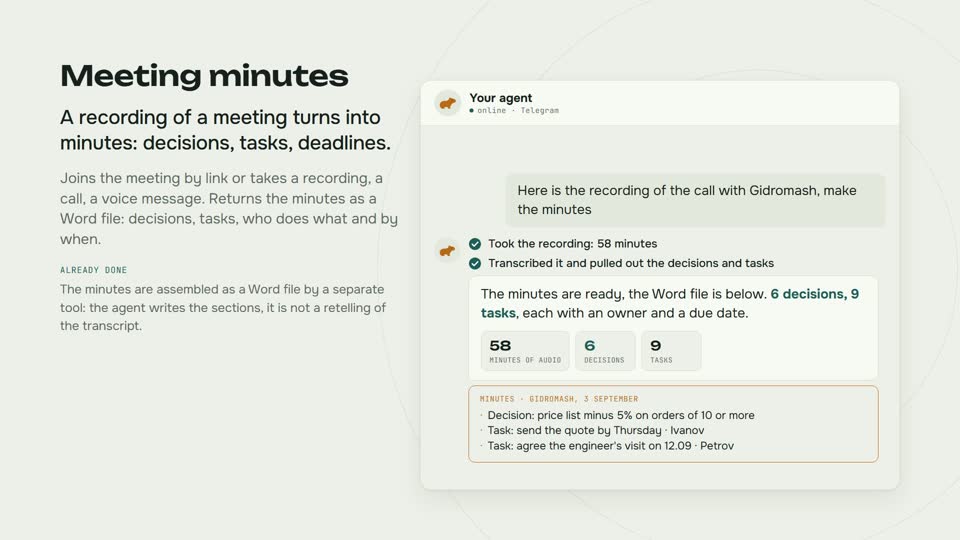
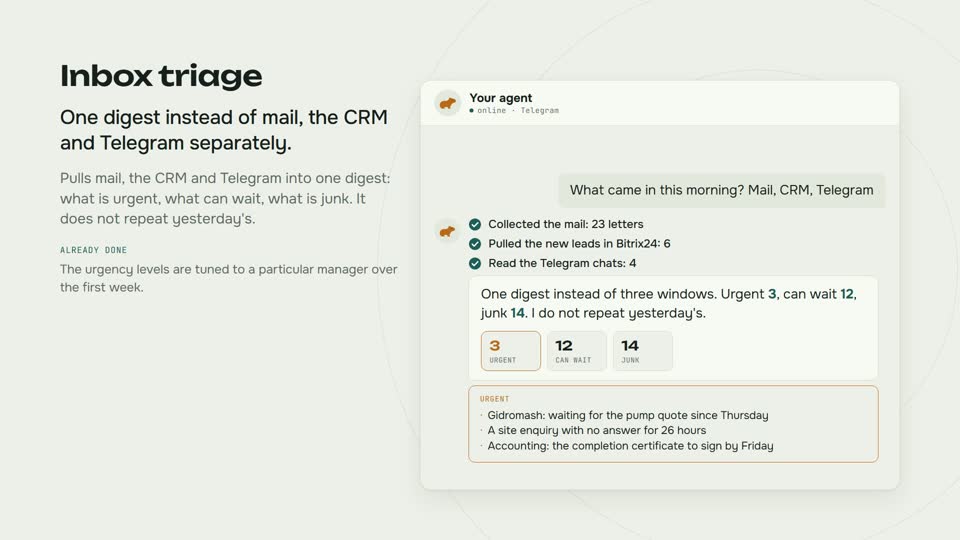
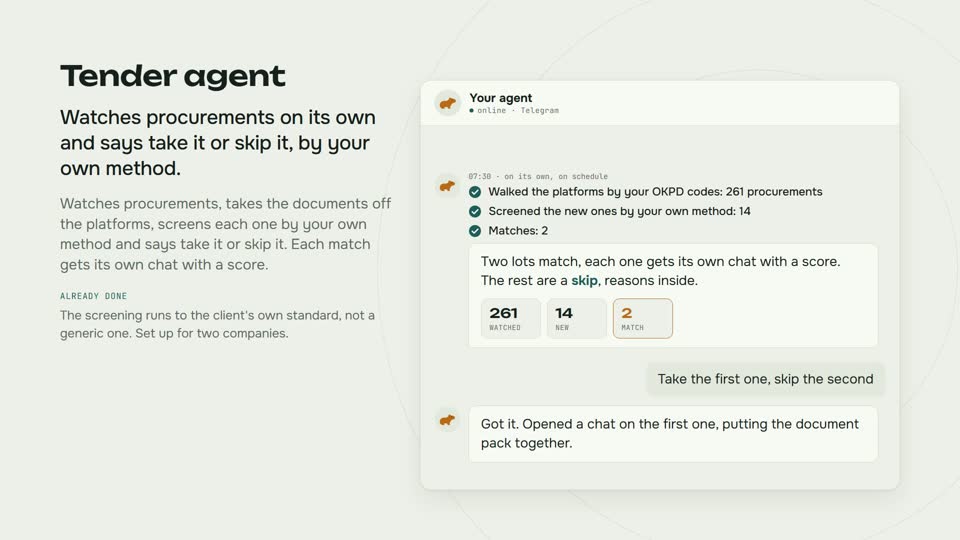
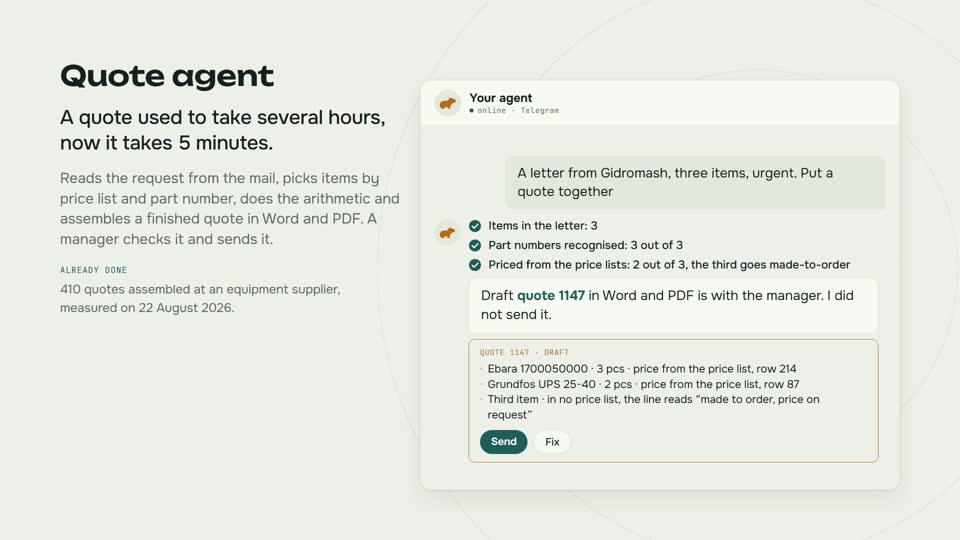
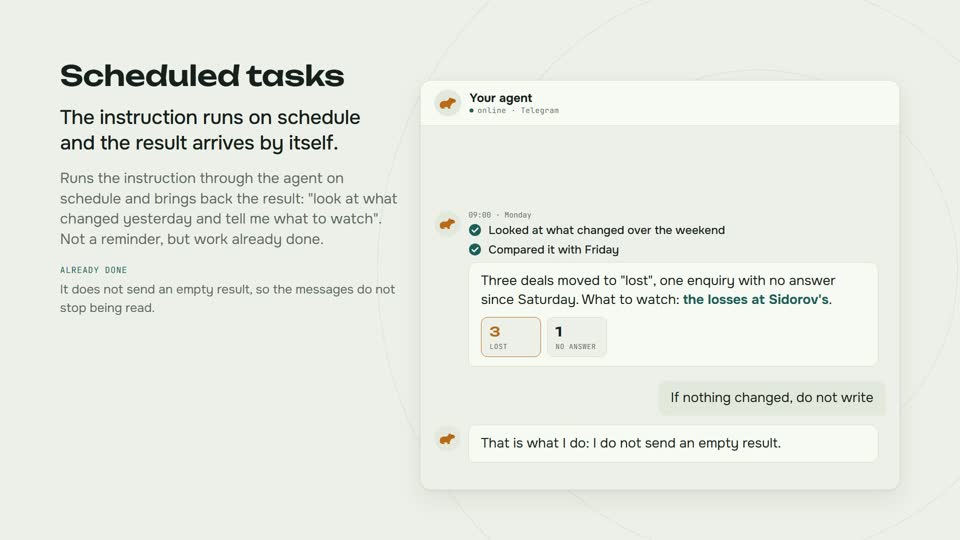
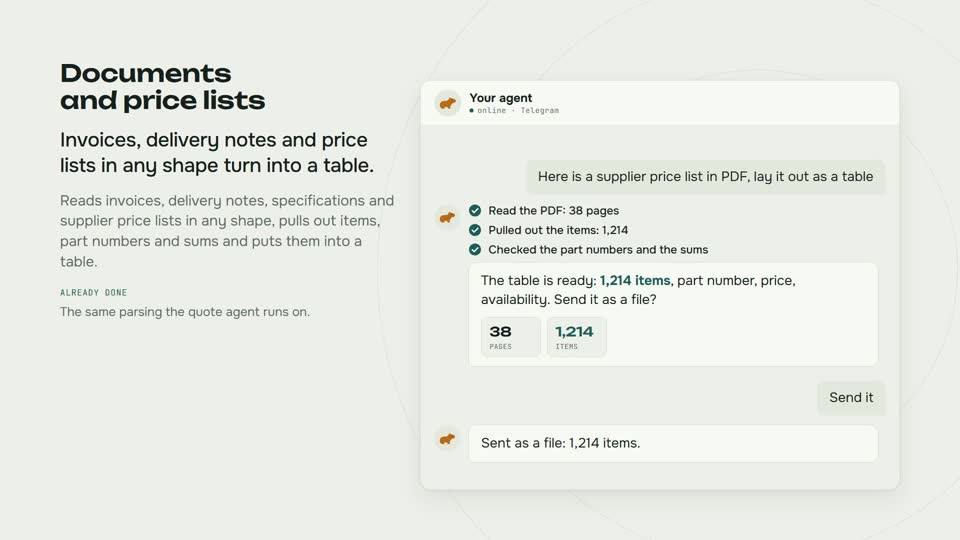
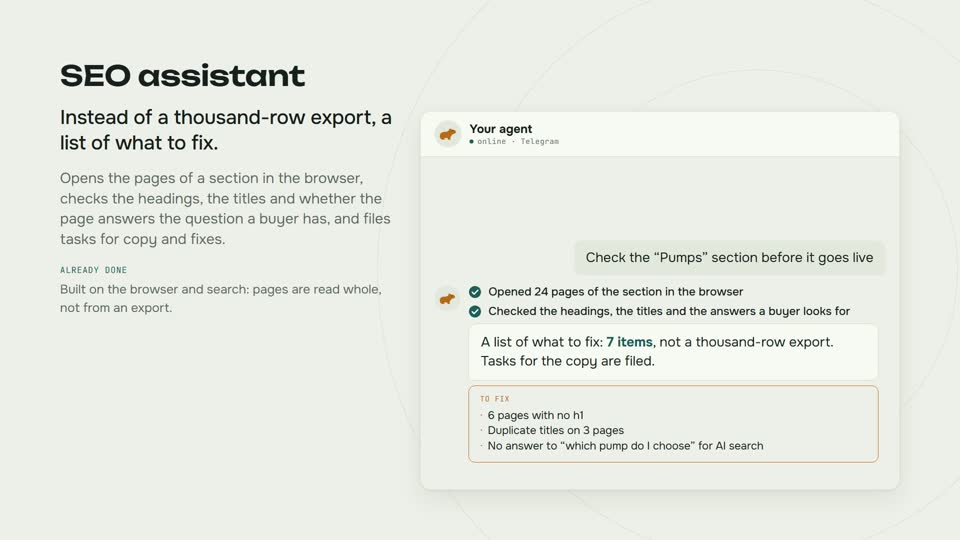
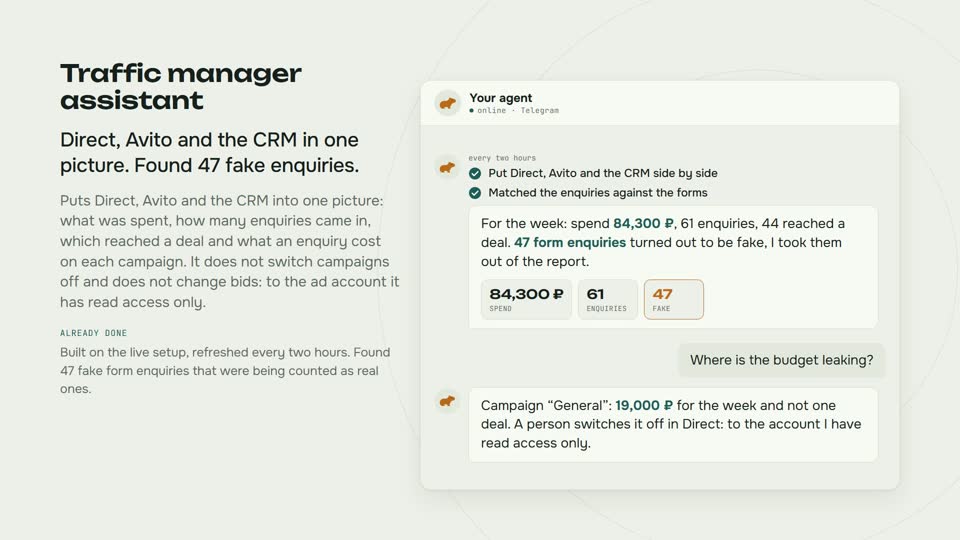
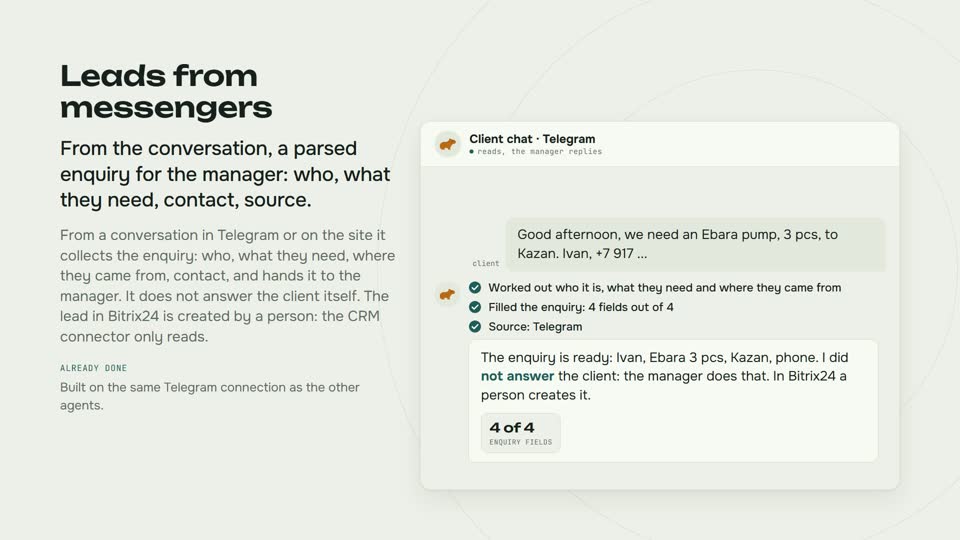
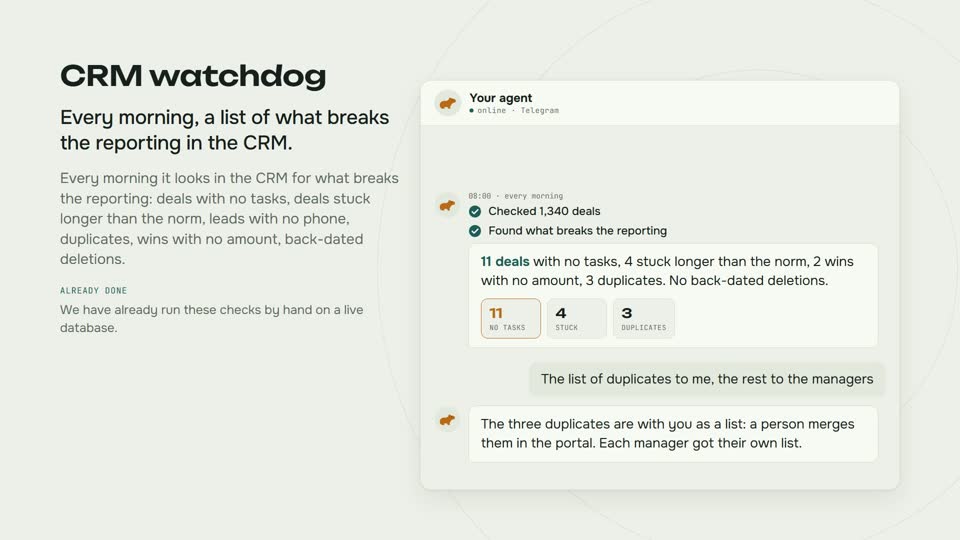
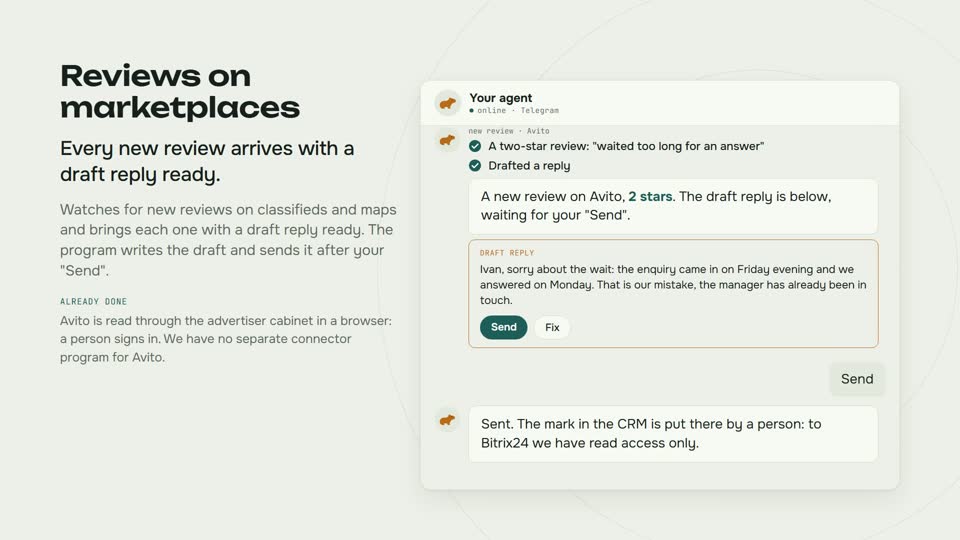
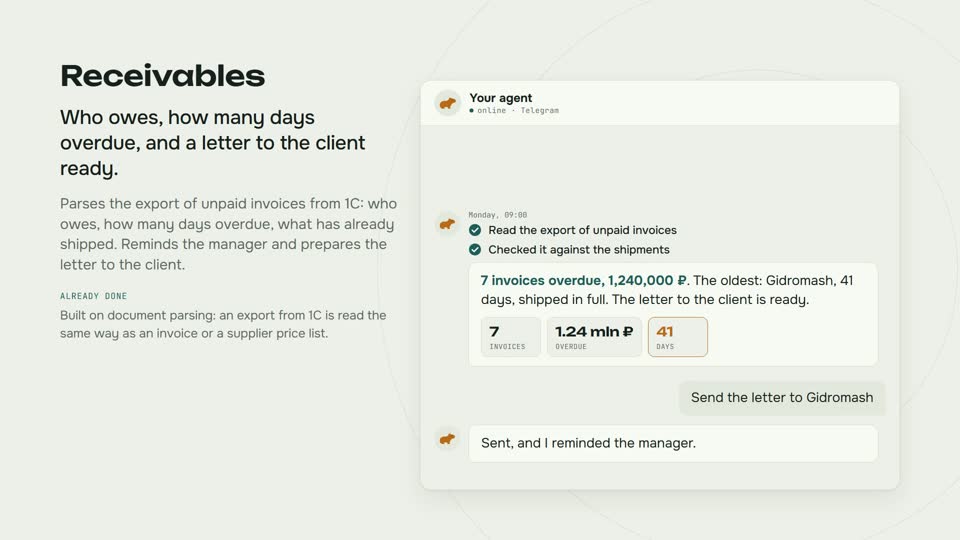
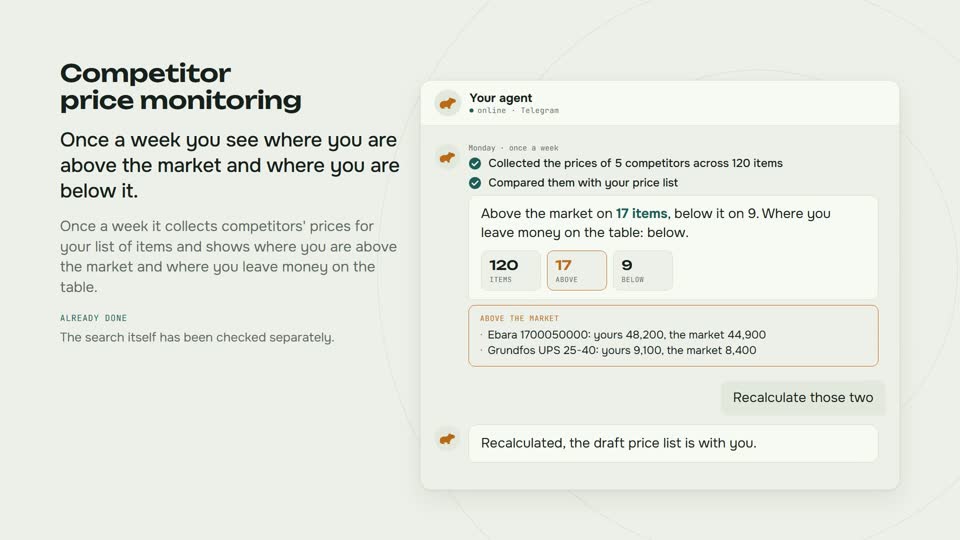
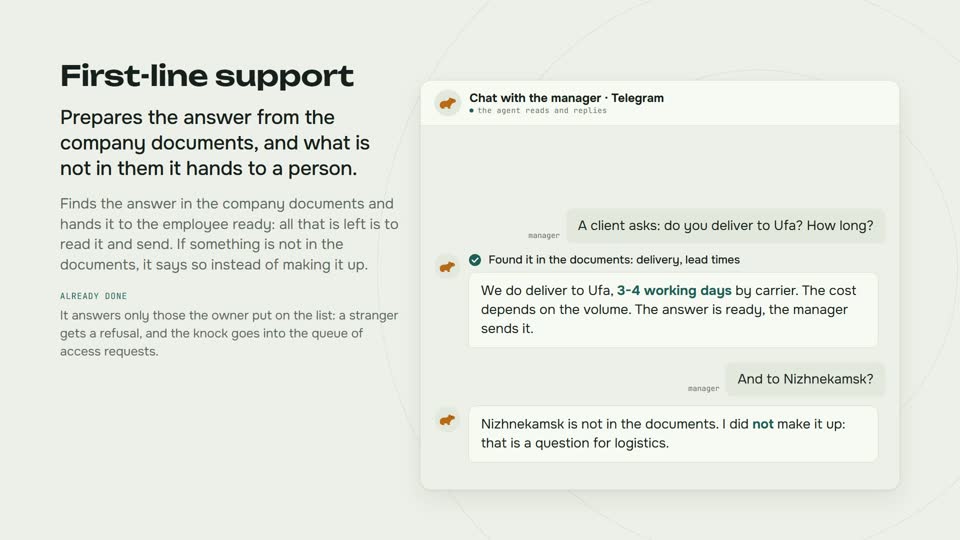
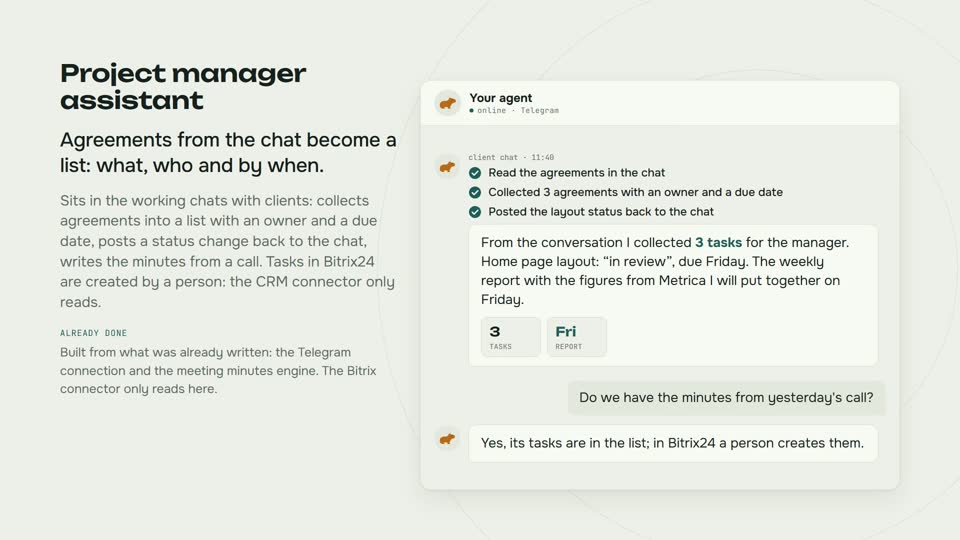
Taking enquiries, meeting minutes, invoices, reports, chasing overdue payments. Pick your department or the program you work in and see which of these happen without a person.
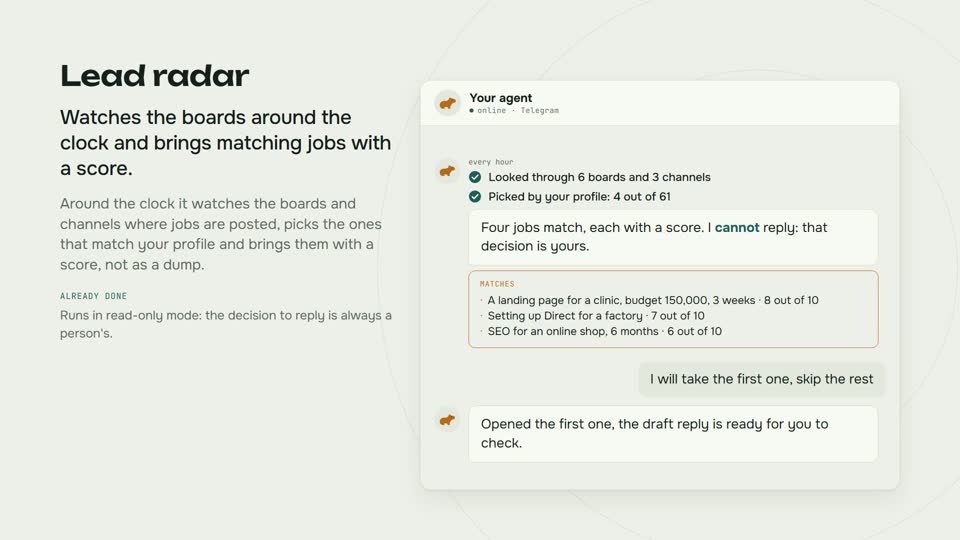
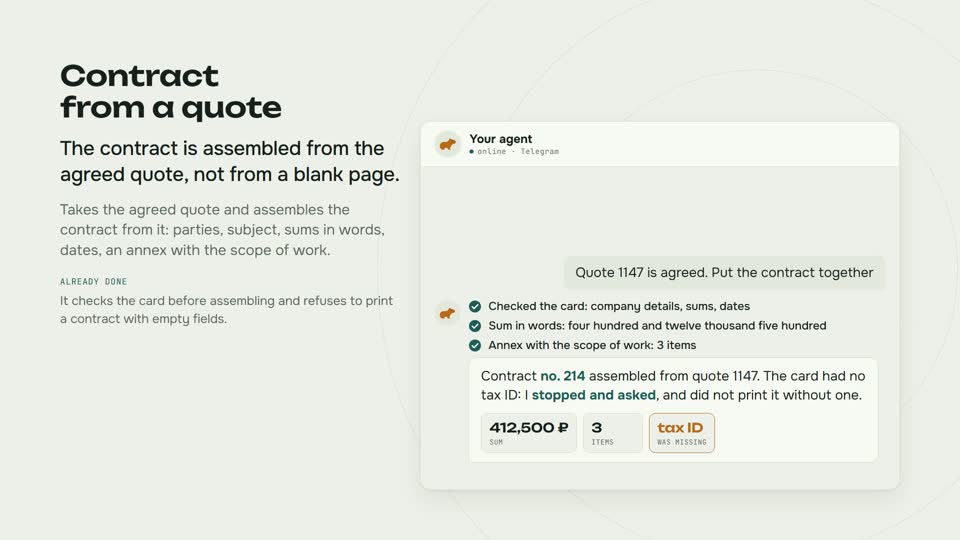
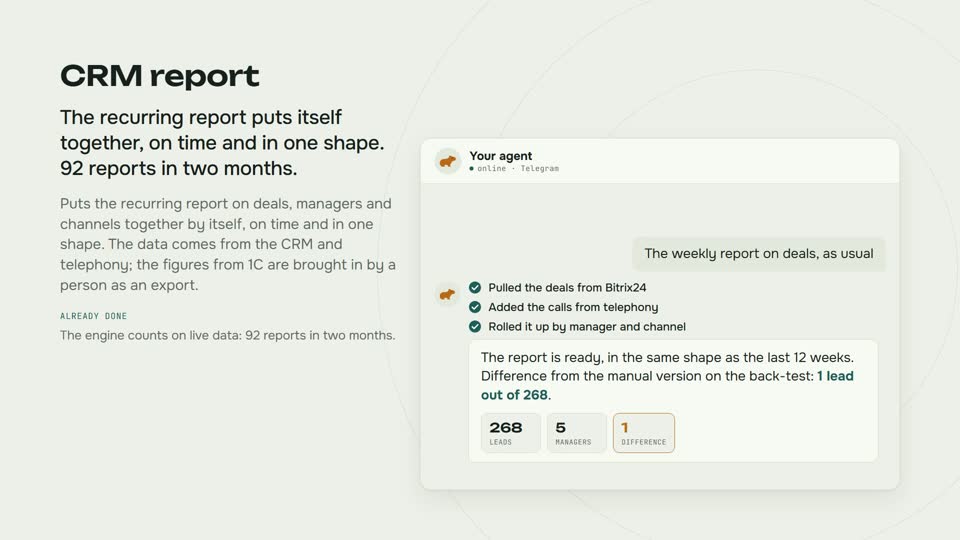
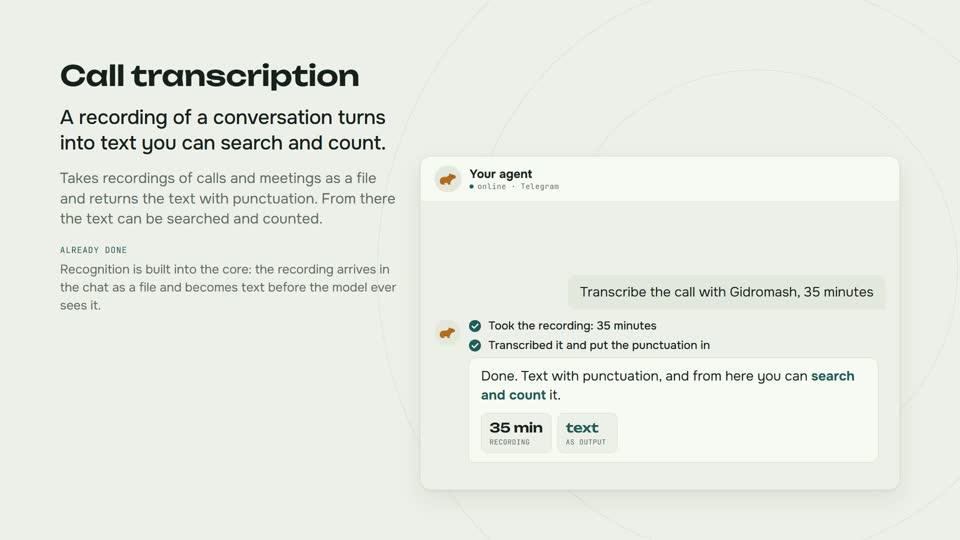
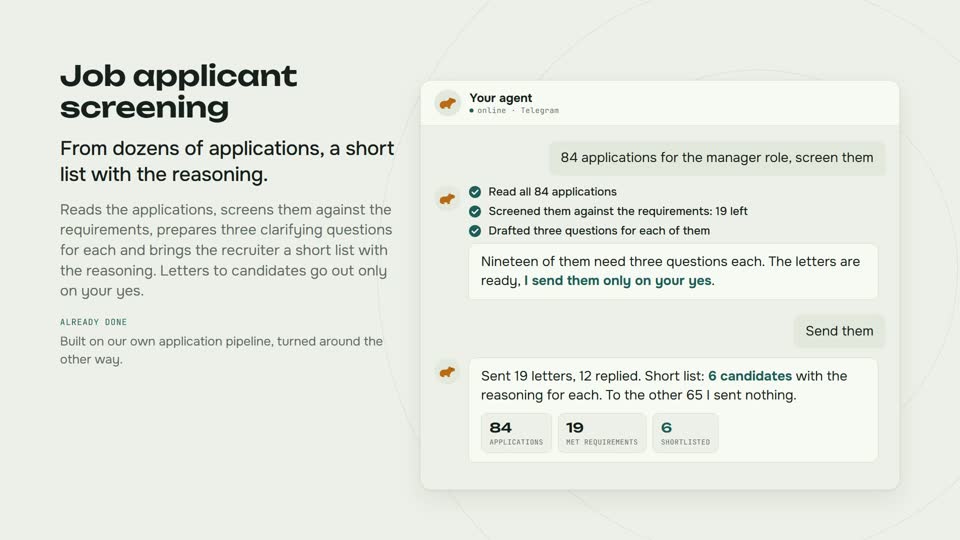
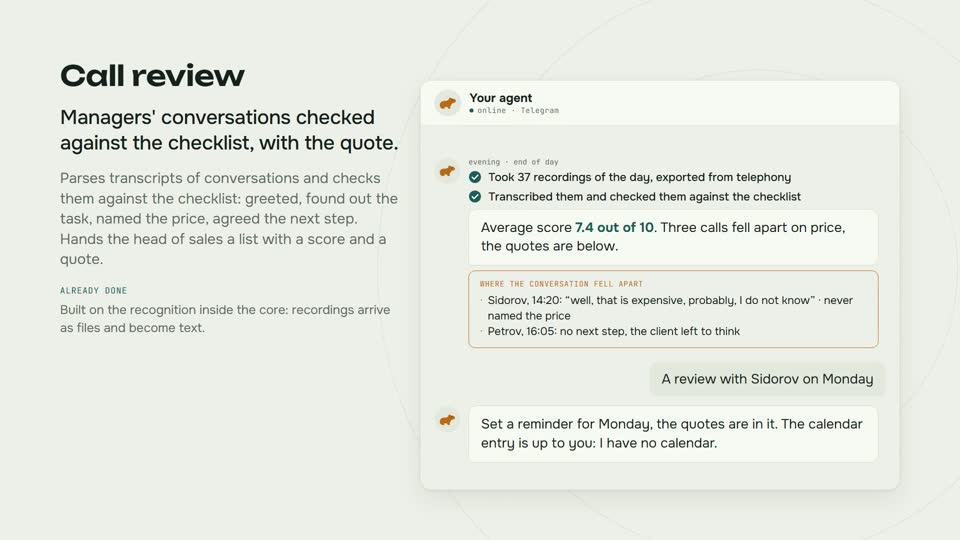
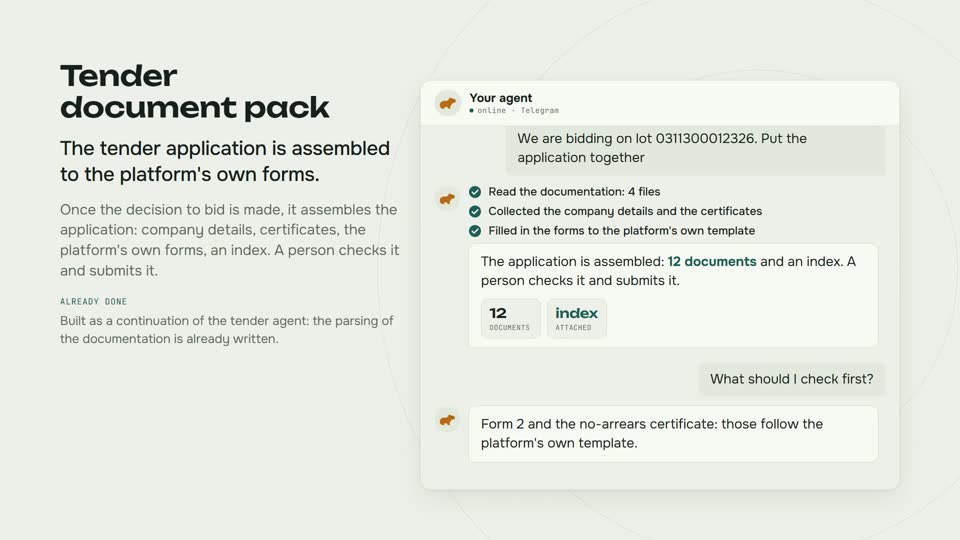
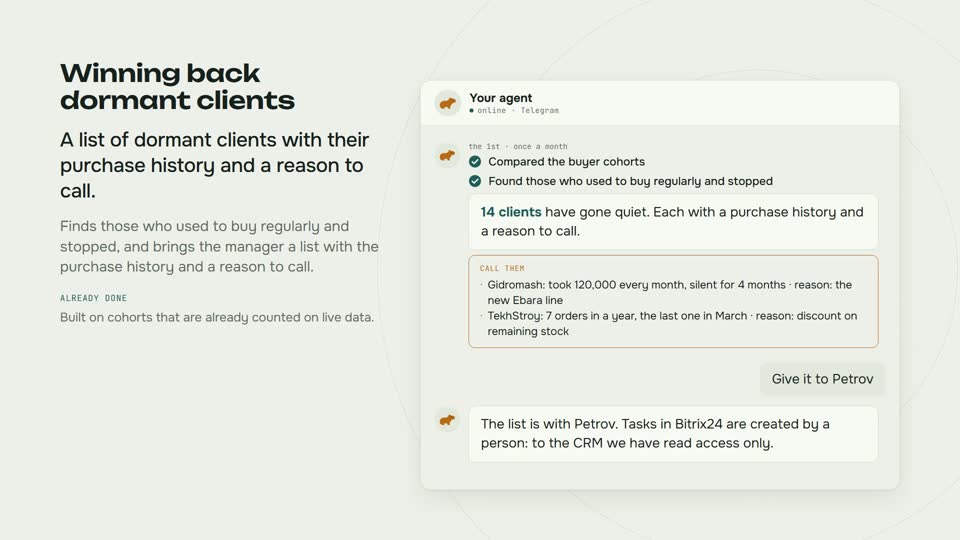
For 23 jobs the whole run is shown: what the person asked, what was done and what came back. For 3 of them the line is named next to it: the program does not cross it on purpose, and will not. How it works inside is at the bottom of the page.
Catalogue of jobs
Twenty three jobs. Most people need four or five of them: filter down to yours by department or by the program your people already work in.
Nothing matches this pair. Drop one of the two choices.
How it works
01 skill
A SKILL.md file with a header and a procedure. It sits in the skills directory, appears in the agent's catalogue and opens when needed.
SKILL.md
02 plugin
A directory with a manifest, its own connectors and its own skills. Installed by command, it cannot silently replace a built-in connector.
capyagent.plugin.json
03 extension
A panel beside the page. It requests permissions through a manifest and receives the intersection of what it asked for and what was granted, not everything it asked for.
manifest.json
Rules
ProtectHome=true. While plugins were searched for only in the home folder, there was physically nowhere to put them on a production machine.Format
{ "schema_version": 1, "id": "example", "name": "Example Business API", "version": "1.0.0", "connectors": [{ "id": "api", "command": ["python3", "${PLUGIN_DIR}/server.py"], "env": ["EXAMPLE_API_TOKEN"] }], "skills": ["skills"], "permissions": { "network": ["api.example.com"], "secrets": ["EXAMPLE_API_TOKEN"] }}
${PLUGIN_DIR} is expanded only after the manifest passes validation. At runtime the connector is named example.api, and it cannot be used to shadow a built-in one.
Catalogue
Two finished entries and one format. Everything else is written for the task at hand: half a page of skill usually closes work that previously needed its own script.
01 skill
Builds an evidence table of offers: source, date checked, price, VAT, availability, delivery, confidence. A search snippet is never treated as a price; the page is always opened.
skills/поиск-цен
02 plugin
Calls, requests and sources as a separate plugin with its own manifest and permissions. The first plugin with install and removal.
plugins/calltouch
03 template
A header with a name and a description, then a numbered procedure in plain words. No code, no build step.
How to write oneExample
Taken from the price research skill that is already in use. Notice that every step closes a specific way of producing a beautiful and wrong answer.
Describe the procedure in words and we will turn it into something the agent performs every day.